
New model on ChatGPT Images
GPT Image 2.6
Paid accounts · 1K · 50 creditsCreate an image from text or edit one reference photo with GPT Image 2.6. Each run returns one 1K image in auto, 1:1, 3:2 or 2:3 for paid accounts.
Create with GPT Image 2.6
Prompt examples: a new scene and an edit
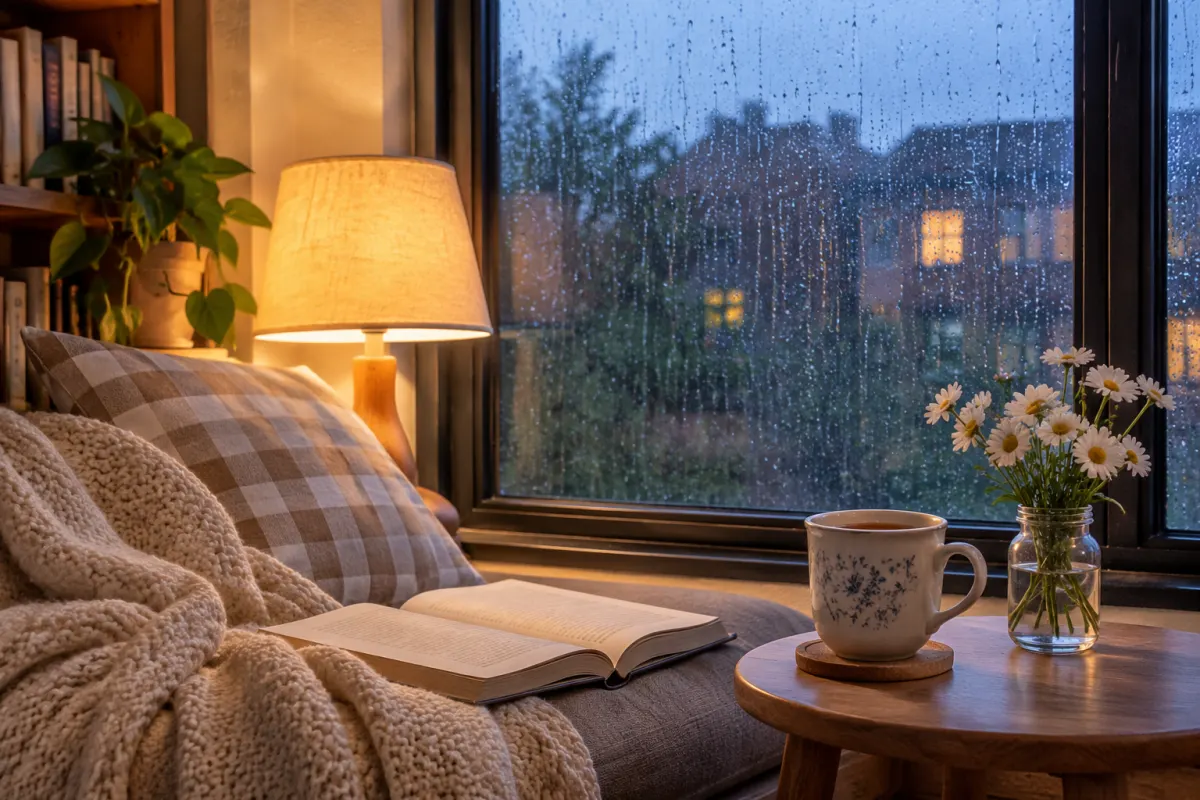
Both images were generated with gpt-image-2.6 on 5 November 2026: a 3:2 text-to-image result (1536 × 1024) and a 1:1 edit (1254 × 1254) made from our GPT Image 2.5 product photo. The previews here are compressed.
 01 / 3:2
Text to image at 3:2
A window seat with a knitted blanket, an open book and a mug of tea, lit by a warm lamp against a rainy blue window. The model also added a jar of daisies that the prompt did not ask for.
Use prompt
A cozy reading nook beside a rain-streaked window at dusk: a cushioned window seat, a knitted blanket, an open hardcover book and a ceramic mug of tea on a small wooden side table, warm lamp light against cool blue rain outside. Soft natural film photography look, no text, no logo.
Text to image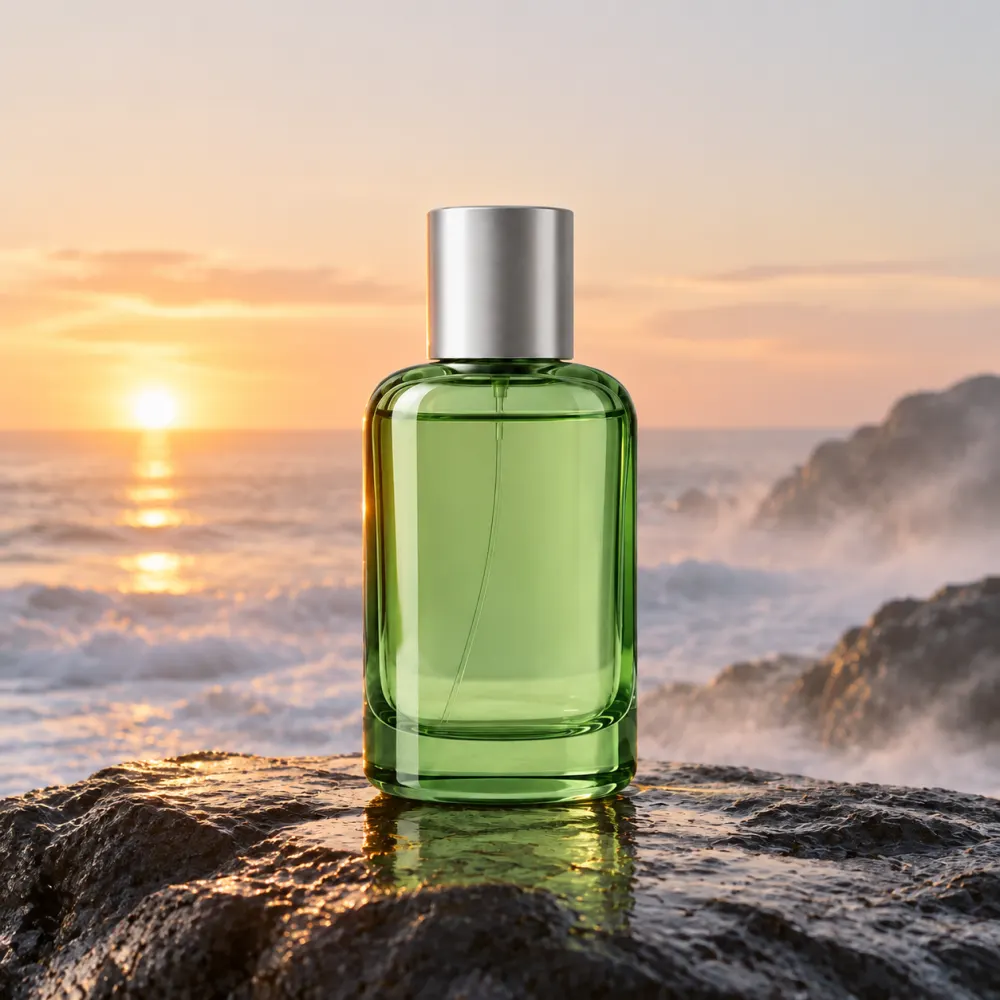 02 / 1:1
Editing with one reference
The edit keeps the green glass bottle and silver cap, and moves them onto wet dark rock by the sea at sunrise, with spray and a reflection on the stone.
Use prompt
Edit this product photograph. Keep the same green glass perfume bottle, silver cap, proportions and camera angle. Place it on wet black volcanic rock at the edge of the sea at sunrise, with soft mist, gentle warm rim light on the glass and a subtle reflection on the wet stone. Preserve the product identity. No text, no logo, no extra objects.
Image to imageGPT Image 2.6: one clear image per run
GPT Image 2.6 keeps the settings short. You write a brief, pick one of four aspect ratios and get a single 1K image. There is no resolution tier or quality level to choose, so every image costs the same.
For edits, upload one reference image and say what should change and what should stay. Use it to move a product into a new scene, restyle a photo or try a different background before you commit to a final asset.
What GPT Image 2.6 gives you
Text to image
Describe the subject, setting, lighting and style. Each run returns one image, so you can review it and refine the brief.
Edit one reference
Upload a single image and explain the change. Name the details that must stay, such as the product shape, colors or the face.
Four aspect ratios
Choose auto, square 1:1, landscape 3:2 or portrait 2:3. Output is always 1K, with no separate resolution or HD setting.
Looping GIFs too
The same model can return an animated GIF. Open the AI GIF maker to turn a text prompt into a short loop.
Plan, generate and review
- 01
Choose your starting point
Use text to image for a new scene, or image to image with one reference you have permission to use.
- 02
Write the brief and pick a ratio
Describe the result, choose auto, 1:1, 3:2 or 2:3, and check that your paid account has at least 50 site credits.
- 03
Review before publishing
Check product details, extra objects the model may have added and any lettering. Change one thing at a time when you refine.
Need motion? Make a looping GIF
GPT Image 2.6 can also return an animated GIF from a text prompt. The model decides the frame count and size, and each GIF costs 50 site credits.
Open the AI GIF maker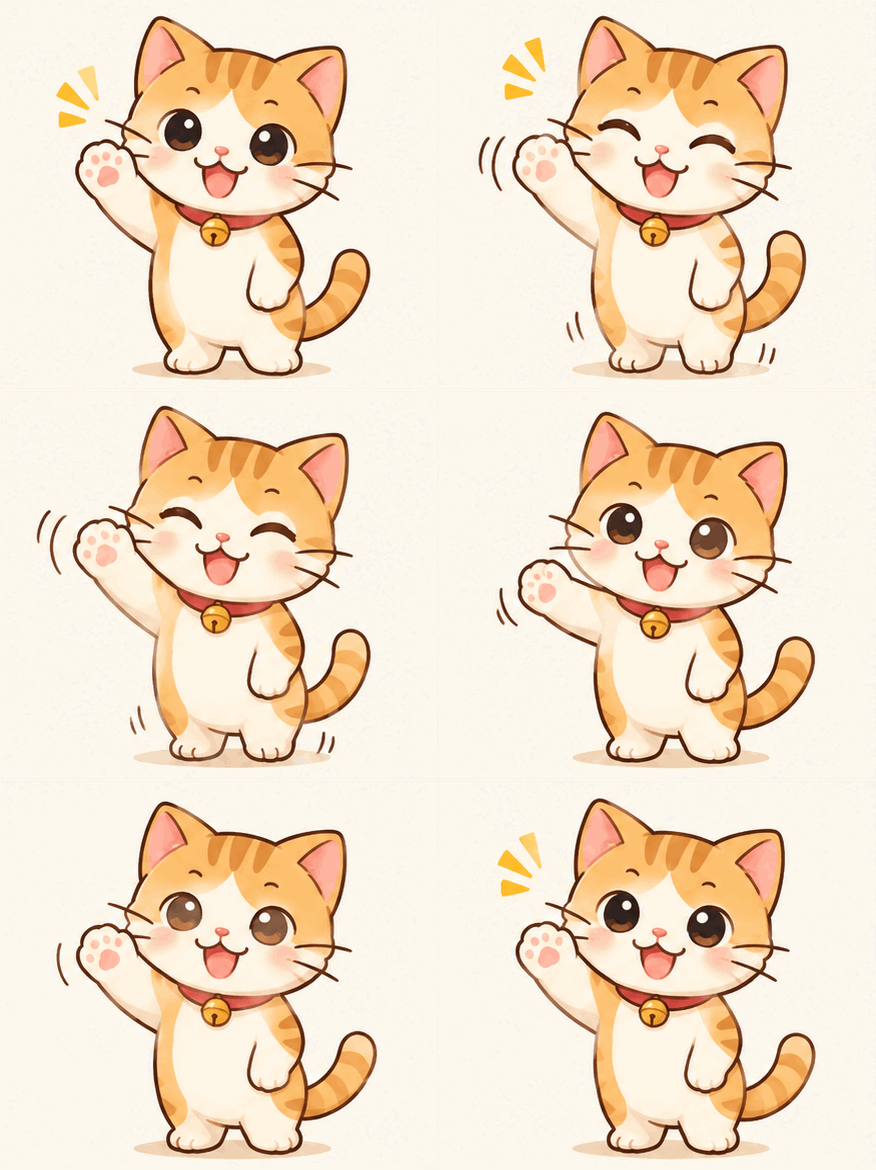
GPT Image 2.6 site-credit pricing
Every GPT Image 2.6 run costs 50 site credits, whether you create a still image or a GIF. It requires a paid account. Credits are only deducted after a successful generation.
View plans and credits| Output | Site credits |
|---|---|
| Still image · 1K | 50 |
| Animated GIF | 50 |
GPT Image 2.6 questions
What can GPT Image 2.6 do on ChatGPT Images?
It creates images from text and edits one uploaded reference image. Each run returns one 1K image in auto, 1:1, 3:2 or 2:3. It can also make looping GIFs on the AI GIF maker page. ChatGPT Images is independent, not OpenAI's official website.
Who can use it, and what does it cost?
GPT Image 2.6 is available to paid accounts. Each image costs 50 site credits, and so does each GIF. If a generation fails, no credits are deducted.
Can I choose 2K or 4K?
No. GPT Image 2.6 only outputs 1K, and there is no HD option. If you need 2K or 4K, use GPT Image 2.5, which offers 1K, 2K and 4K at different credit prices.
How many reference images can I upload?
One. Image to image edits a single reference. For combining several references in one result, choose another model in the model list.
Why do I only get one image per run?
The model returns one image per request, so the image count is fixed at one. Run the prompt again to get another take.
How is it different from GPT Image 2.5?
GPT Image 2.6 has one price, four aspect ratios and 1K output, and it can make GIFs. GPT Image 2.5 offers Flare and Sunburst variants, 1K to 4K output and more aspect ratios. Try the same brief on both if you are unsure.