
Best ChatGPT Image Prompts: Copy-Ready Examples & Templates
These are the best ChatGPT image prompts from our own library: each example shows the exact prompt and the image GPT Image 2 generated from it. Copy a prompt, change the details, or press Try to run it on this site.
Updated: · Every example image on this page was generated with GPT Image 2 for this site from the prompt shown next to it. Results vary between runs, so treat them as a guide rather than a guarantee.
21 ChatGPT Image Prompt Examples
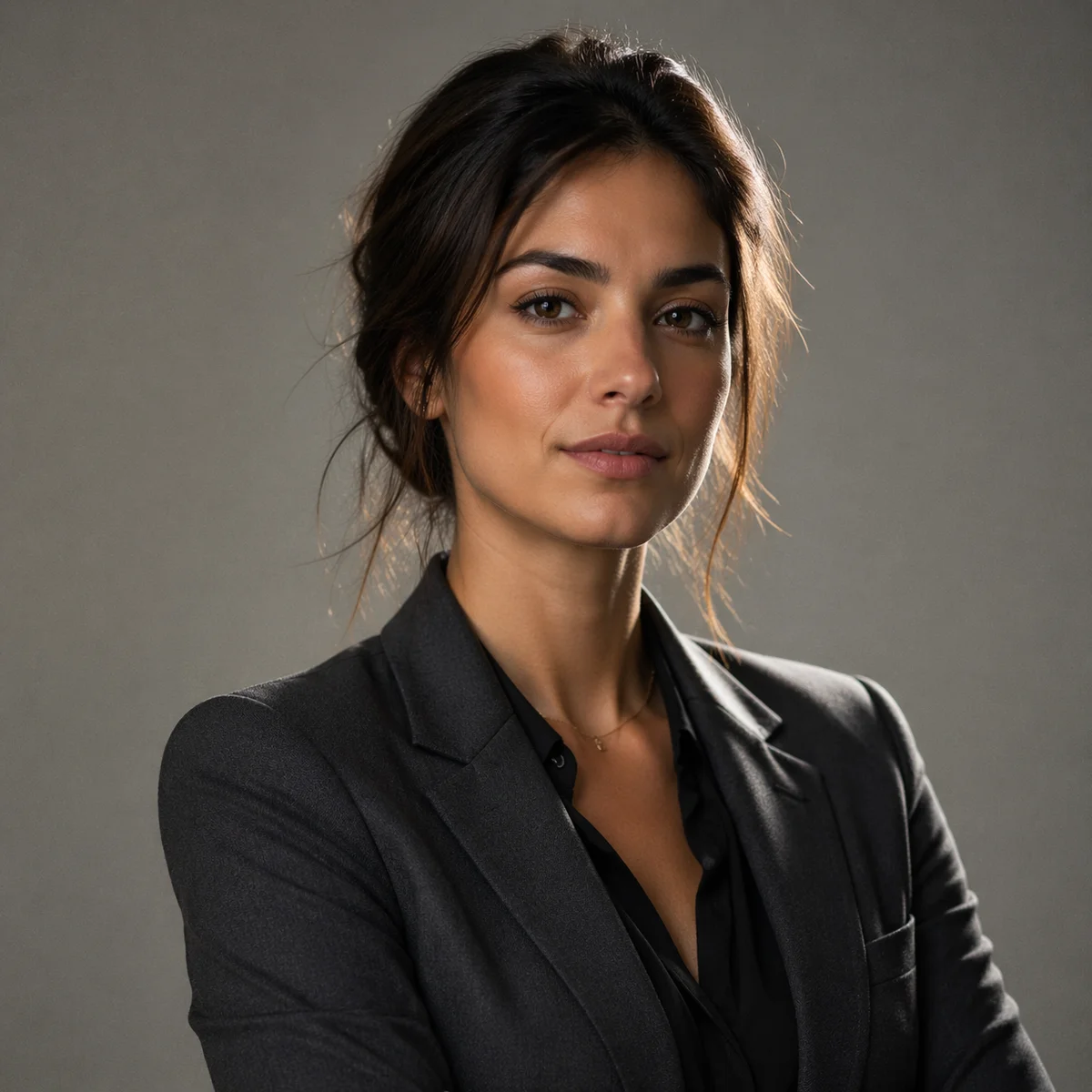
Editorial business portrait
Aspect ratio 1:1Editorial portrait of a confident modern professional in a tailored charcoal blazer. Soft studio rim light, neutral gray background, photographed on a full-frame camera at 85mm f/1.8. Subtle film grain.
Tweak it: Change the outfit and background color to fit your brand; the lens and rim-light details keep the studio look.
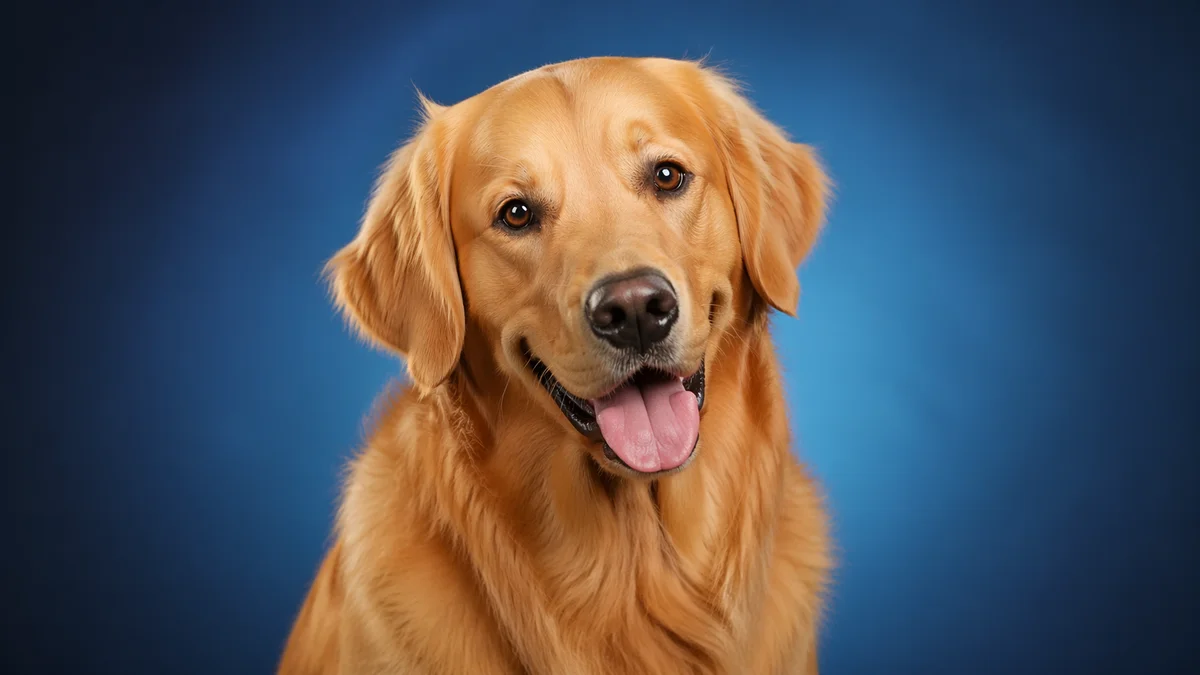
Studio pet portrait
Aspect ratio 16:9Studio portrait of a friendly golden retriever on a gradient blue backdrop, shallow depth of field, soft rim light, professional pet photography style.
Tweak it: Swap the breed and the backdrop color; rim light plus shallow depth of field gives the professional finish.
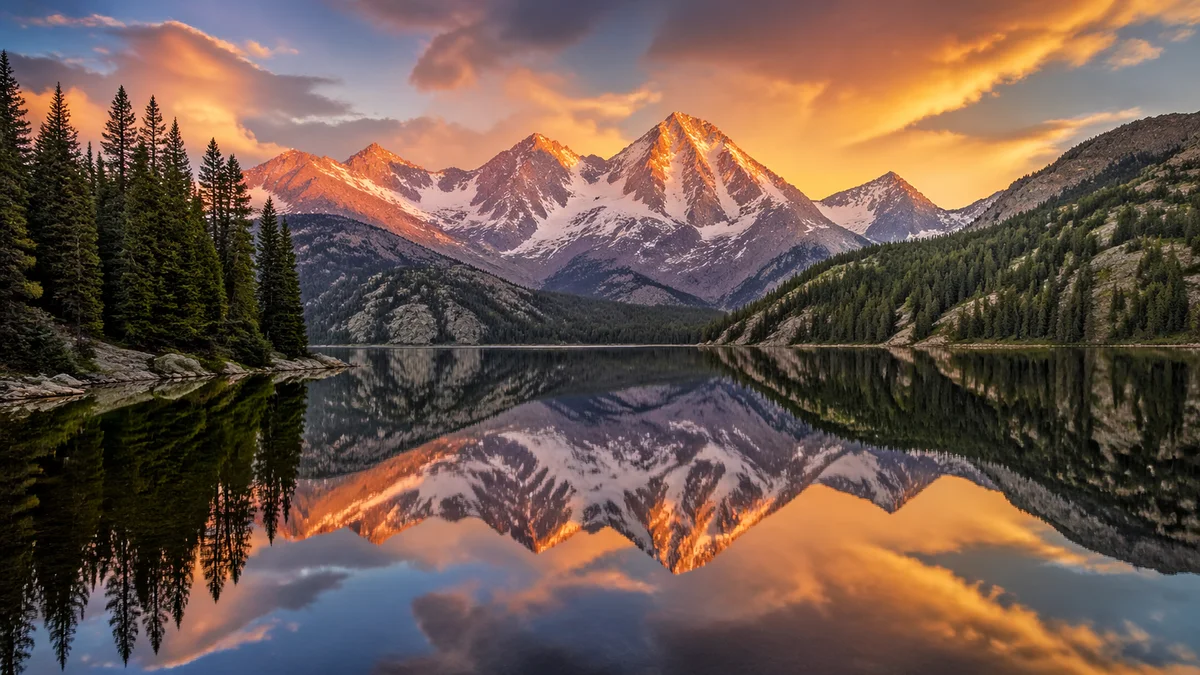
Golden hour landscape
Aspect ratio 16:9Serene mountain lake at golden hour with pristine reflection, soft warm light hitting snow-capped peaks. Cinematic landscape photography, high dynamic range.
Tweak it: Change the place or the time of day; keep "pristine reflection" if you want a mirror-like lake.
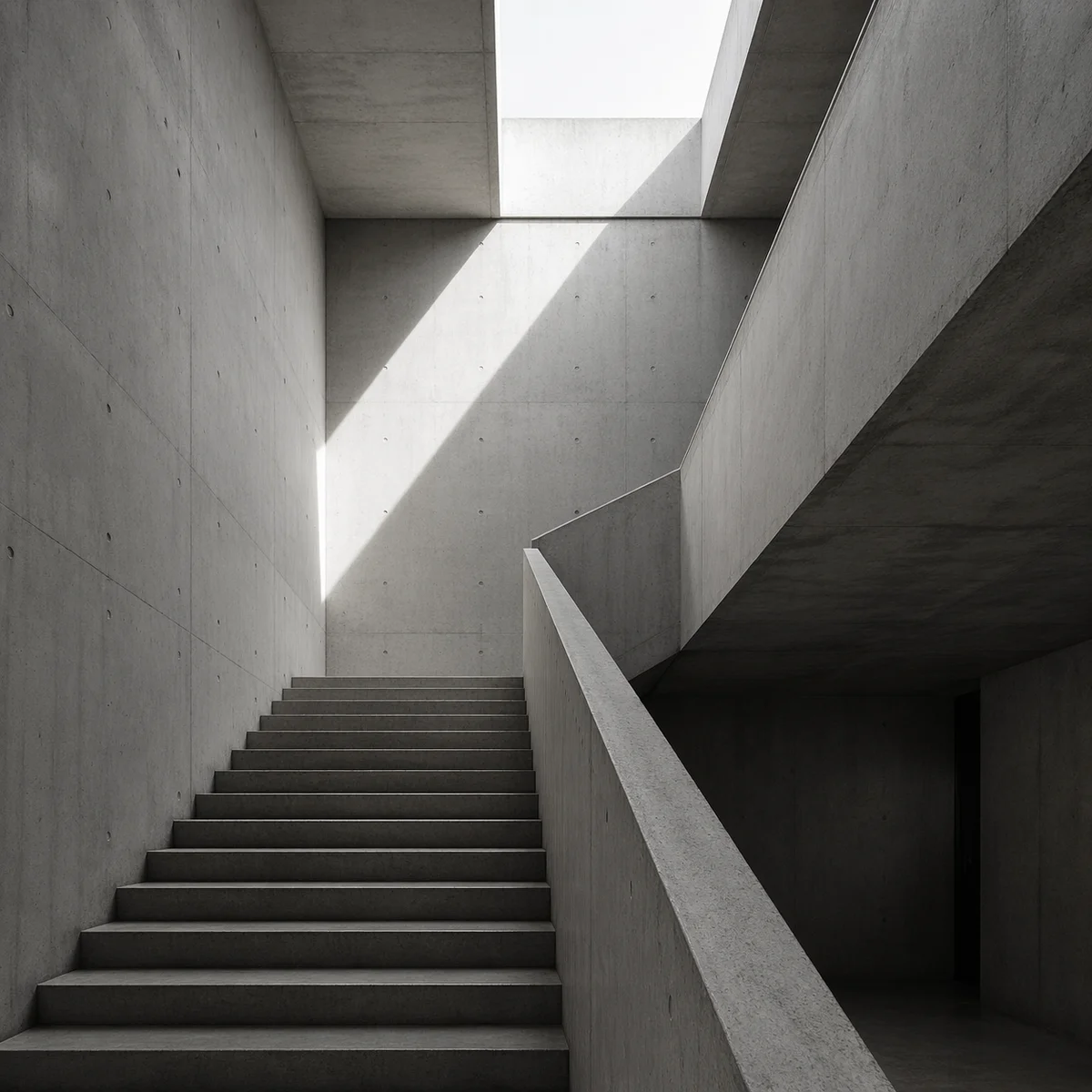
Minimal architecture photo
Aspect ratio 1:1Minimal architectural photograph: a modernist concrete staircase with natural daylight streaming from a skylight above. Monochrome palette, clean geometric lines, Brutalist composition.
Tweak it: Try another material, such as white marble or wood, and keep "monochrome palette" for a graphic look.
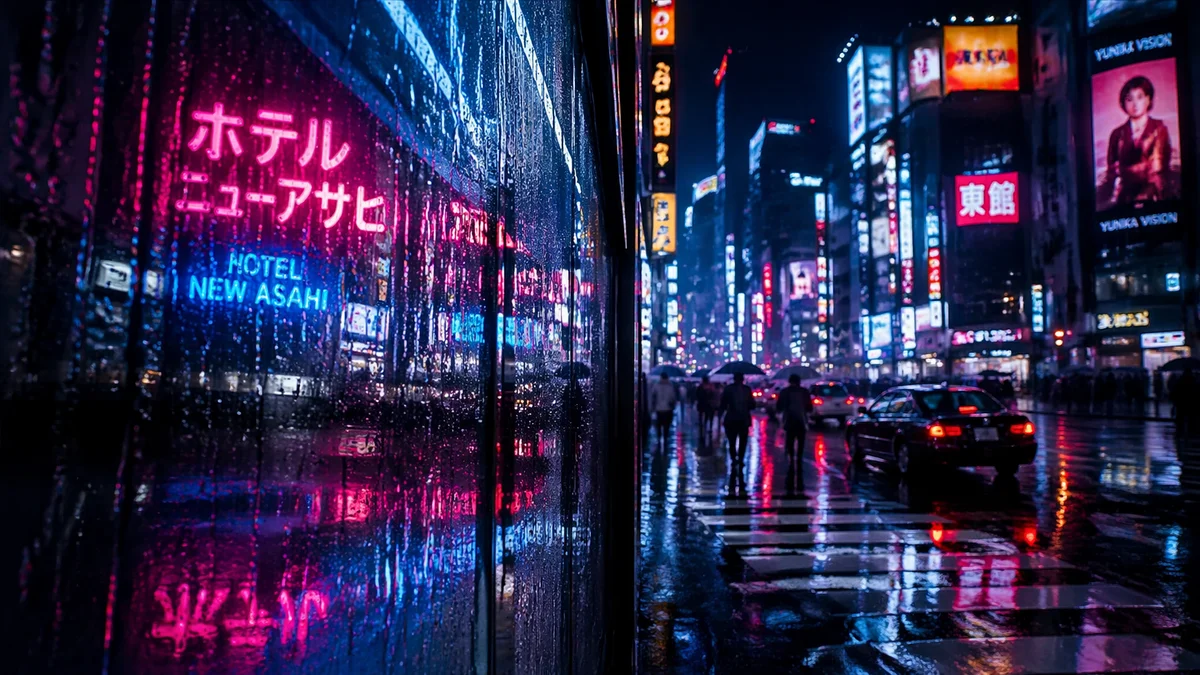
Neon city through rain
Aspect ratio 16:9Busy modern Tokyo night street scene viewed through rain-streaked glass. Neon reflections in shades of blue and magenta, cinematic anamorphic style, shallow focus.
Tweak it: Swap the city or the neon colors; the rain-streaked glass and shallow focus create the cinematic layer.
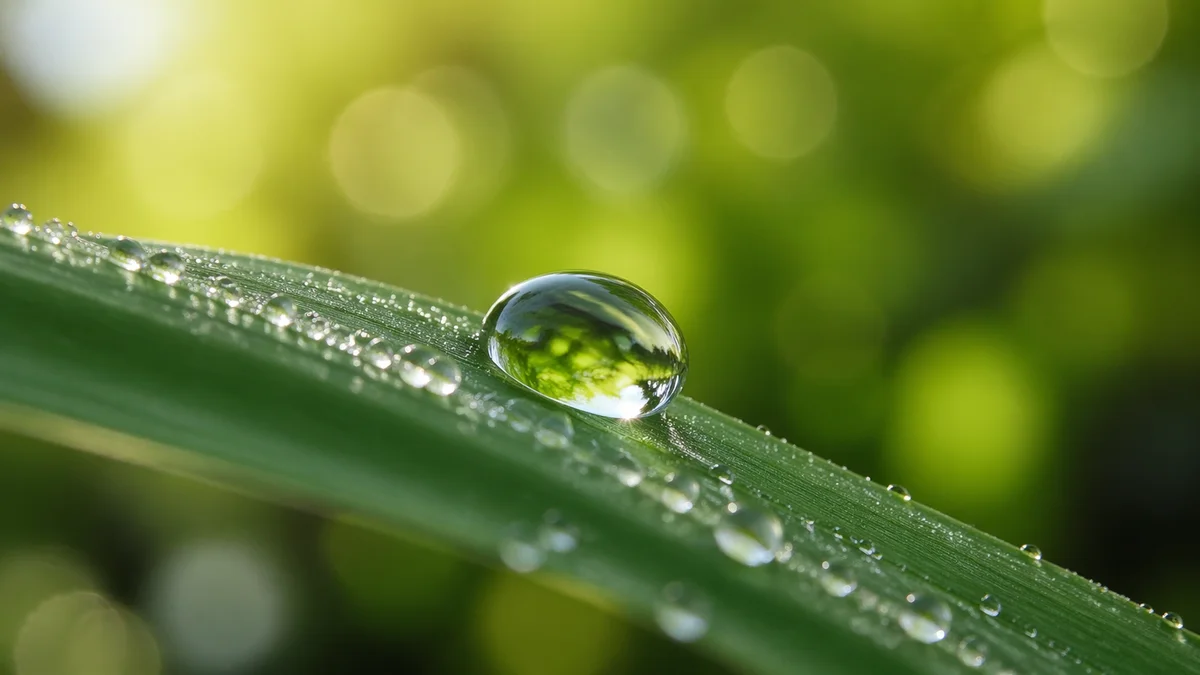
Macro nature shot
Aspect ratio 16:9Hyperrealistic macro photograph: a single dew drop on a fresh green leaf, extreme detail, natural morning light, soft bokeh background. Nature wallpaper.
Tweak it: Replace the subject with a snowflake or an insect and keep "extreme detail" and "soft bokeh".
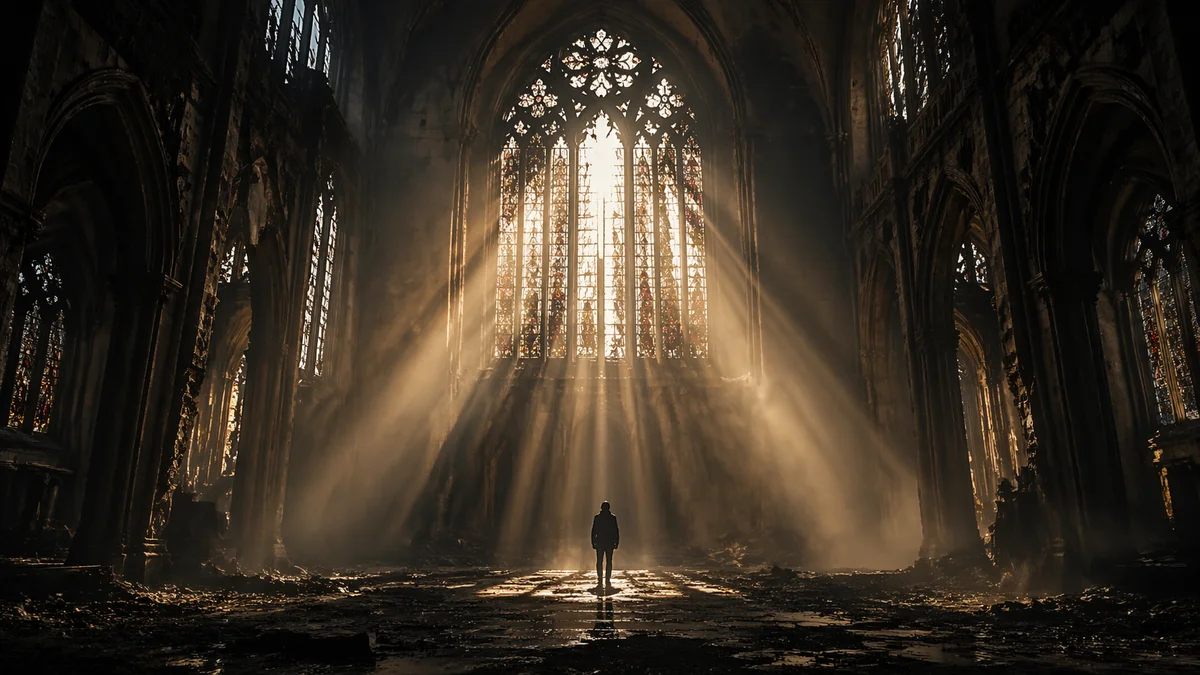
Cinematic light beams
Aspect ratio 16:9Cinematic wide-angle shot of a lone silhouette standing at the center of a massive abandoned Gothic cathedral. Intense, dramatic Tyndall light beams pierce through huge broken stained-glass windows, illuminating swirling dust particles in the air. High contrast chiaroscuro lighting, epic mysterious atmosphere, photorealistic, 8k, cinematic grading.
Tweak it: Change the building to a forest or a library and keep the light-beam and dust details for the drama.
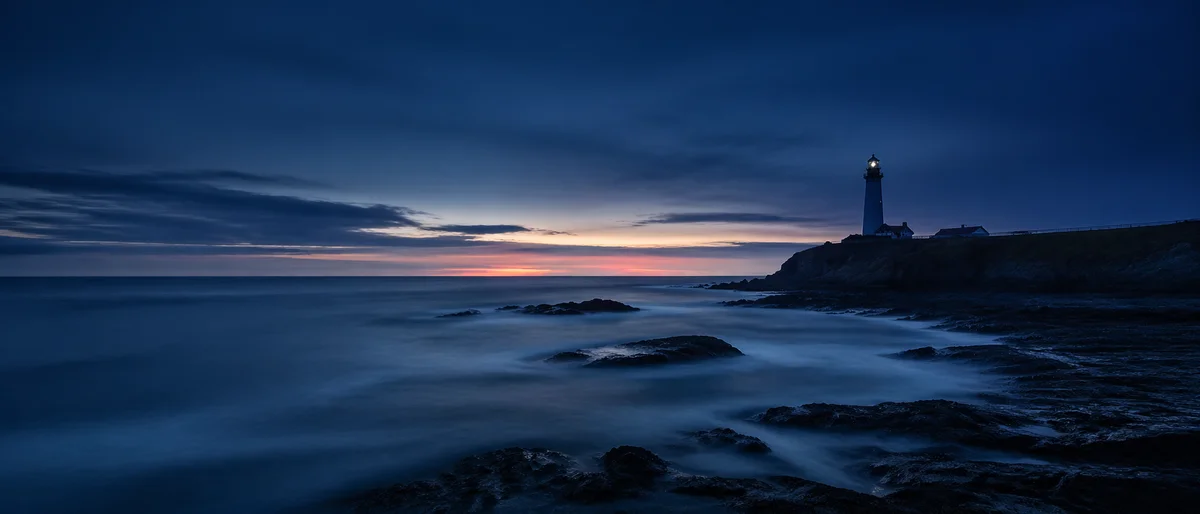
Wide moody seascape
Aspect ratio 21:9Wide cinematic hero image: moody seascape at dusk with distant lighthouse silhouette, muted cobalt and slate palette, long exposure, minimal composition.
Tweak it: Ultra-wide images suit website banners; ask for negative space on one side if you plan to add text.
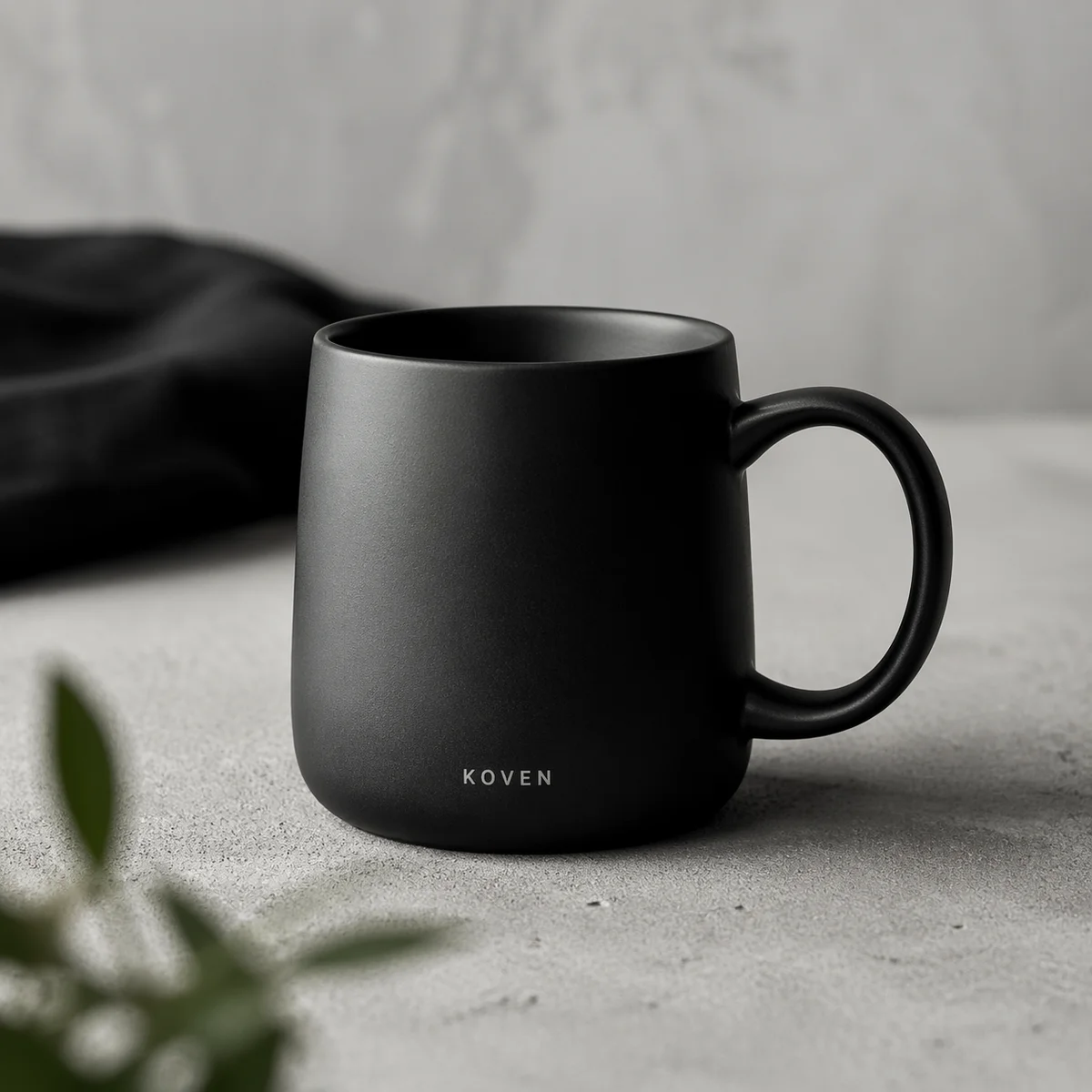
Minimal product shot
Aspect ratio 1:1Minimal product photography: a premium matte-black ceramic coffee mug on a softly lit concrete surface, shallow depth of field, editorial style, neutral cool lighting. High detail.
Tweak it: Swap in your own product and surface. This run printed an invented brand name on the mug, so add "no text, no logo" if you need a clean product.
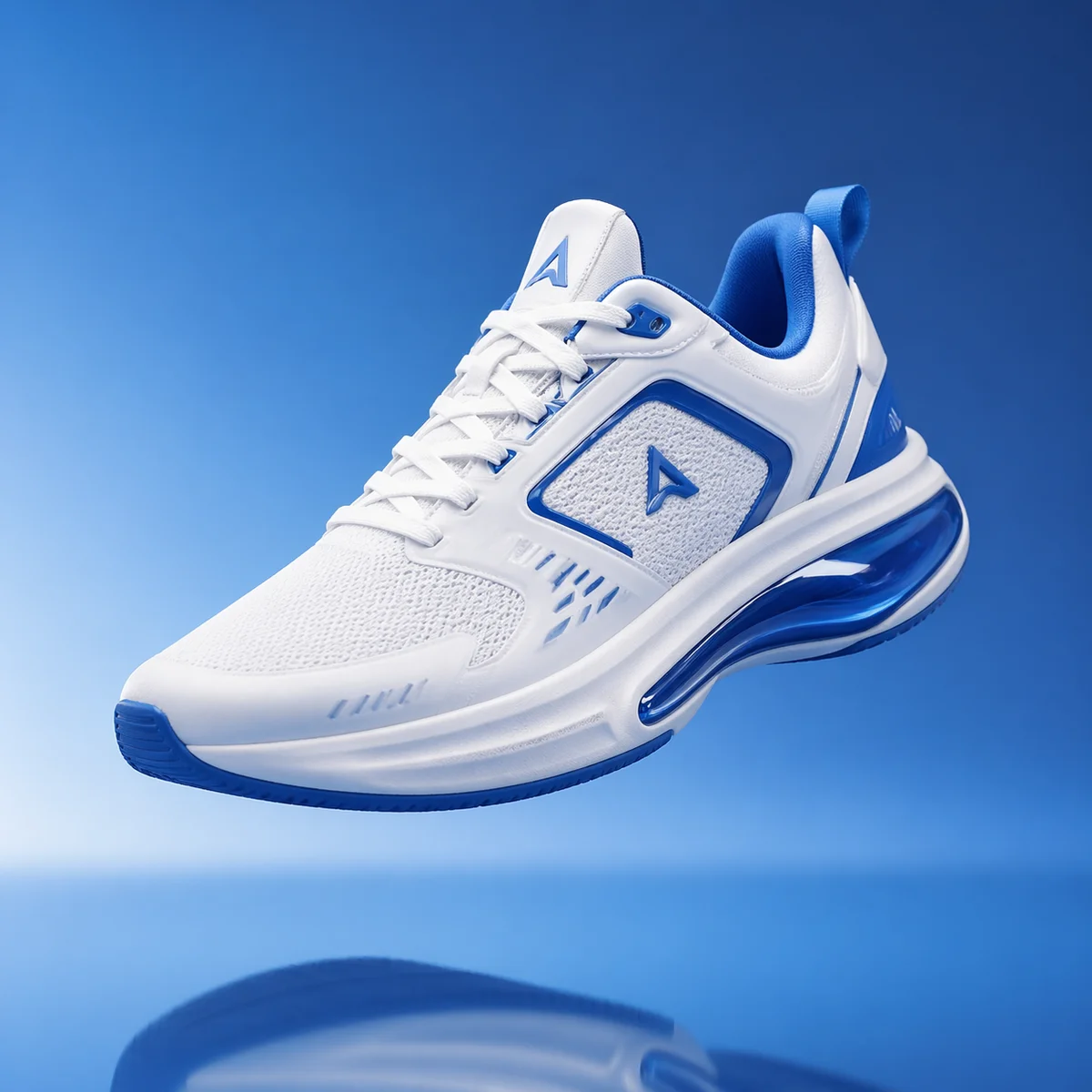
Floating sneaker ad
Aspect ratio 1:1Futuristic sneaker product shot: a single clean white-and-blue sneaker levitating on a gradient blue background, studio softbox lighting, subtle reflection, commercial photography precision.
Tweak it: Change the product and colors; "levitating" plus "subtle reflection" gives the advertising-style float.
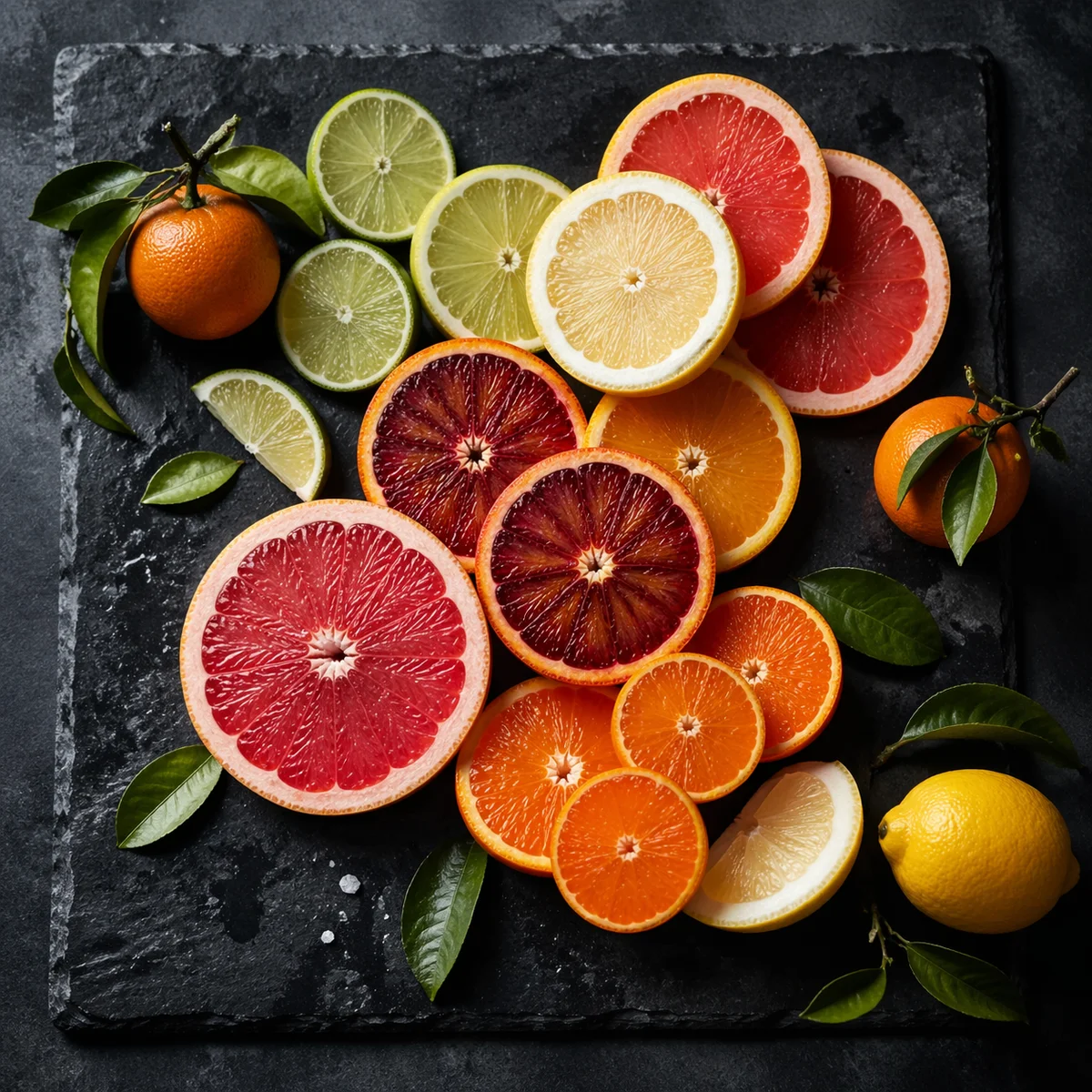
Overhead food photo
Aspect ratio 1:1Vibrant but restrained still life: fresh citrus slices on a dark slate board, overhead shot, natural side light, soft shadows, editorial food photography style for a premium magazine.
Tweak it: Replace the food and the board; "overhead shot" and "natural side light" keep it looking editorial.
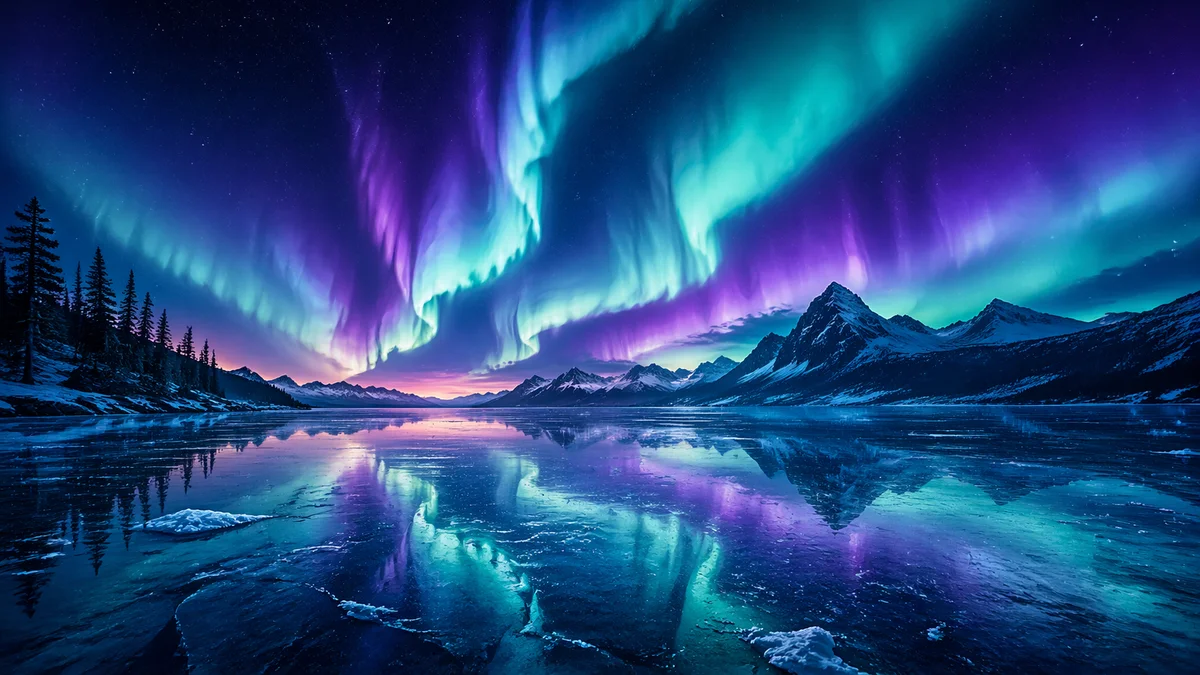
Aurora wallpaper
Aspect ratio 16:9A stunning desktop wallpaper: ethereal aurora borealis over a frozen lake, deep teal and violet sky, mirrored reflection. Ultra-wide, painterly quality.
Tweak it: Change the sky colors or the landscape; "painterly quality" pushes it away from a plain photo.
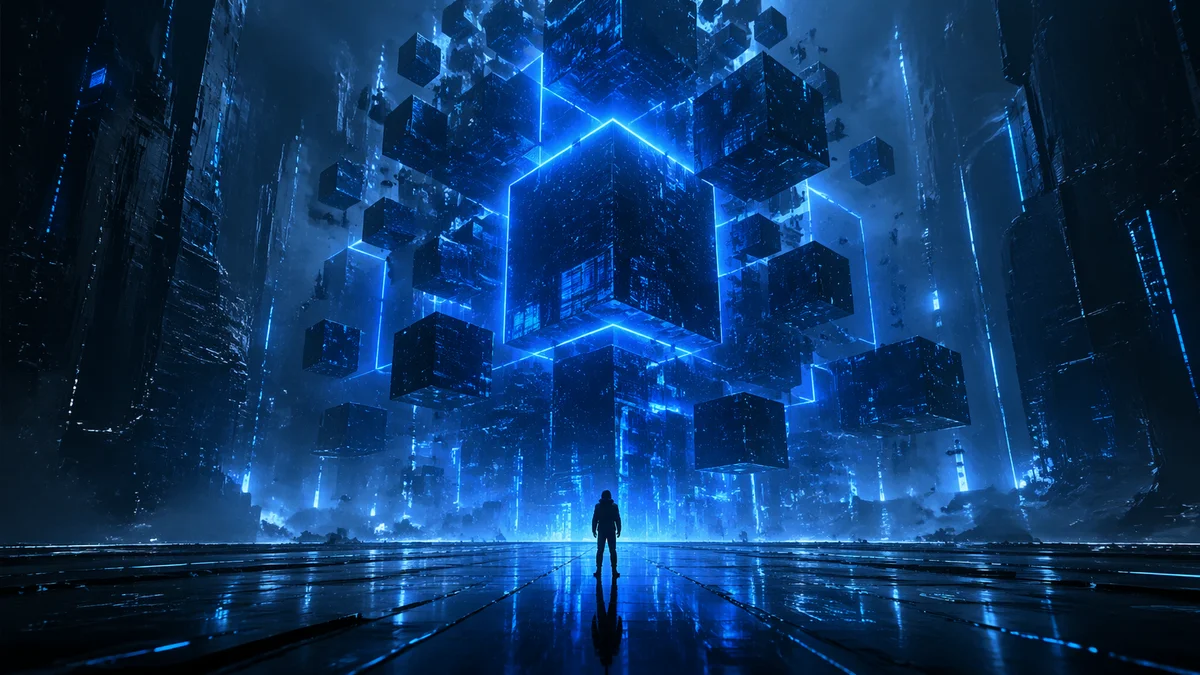
Sci-fi neon structure
Aspect ratio 16:9A futuristic sci-fi wallpaper: a lone figure standing on a black reflective floor looking up at a massive geometric structure made of floating blue neon cubes, cinematic sci-fi composition.
Tweak it: Swap the shape of the structure or the neon color; a small figure gives the scene its scale.
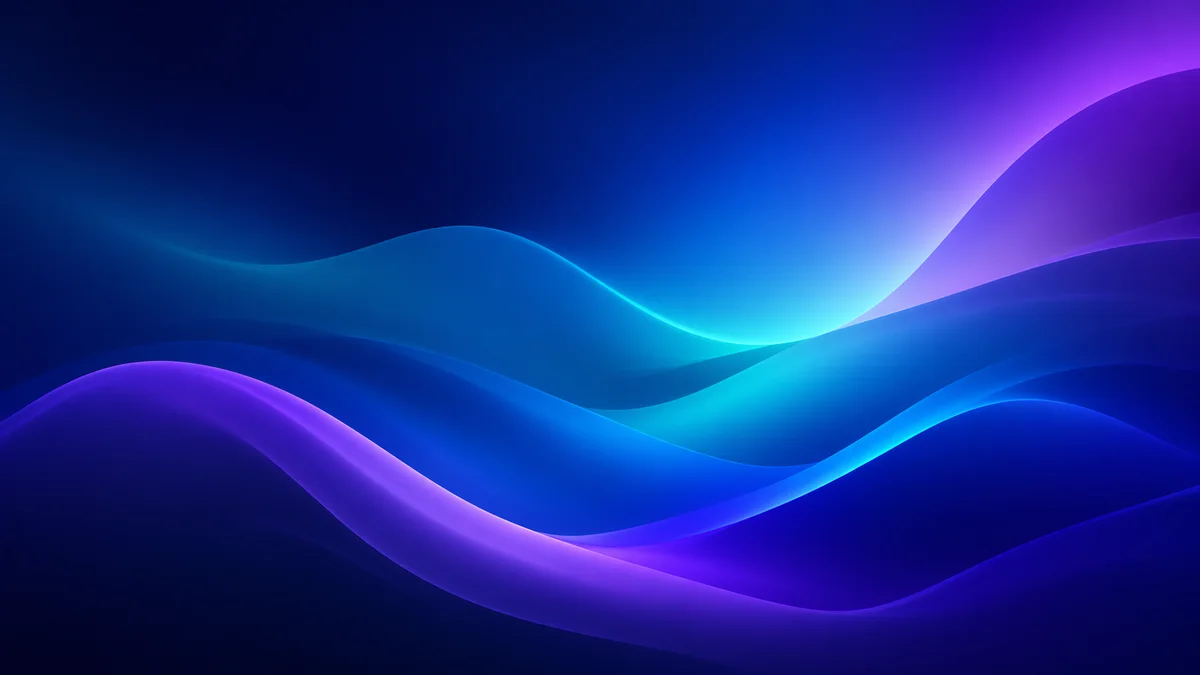
Abstract gradient waves
Aspect ratio 16:9Abstract digital art wallpaper: flowing gradient waves of deep blue, teal, and violet, smooth minimal style, generative-art feel, modern desktop background.
Tweak it: Change the three colors to your brand palette for a desktop or slide background.
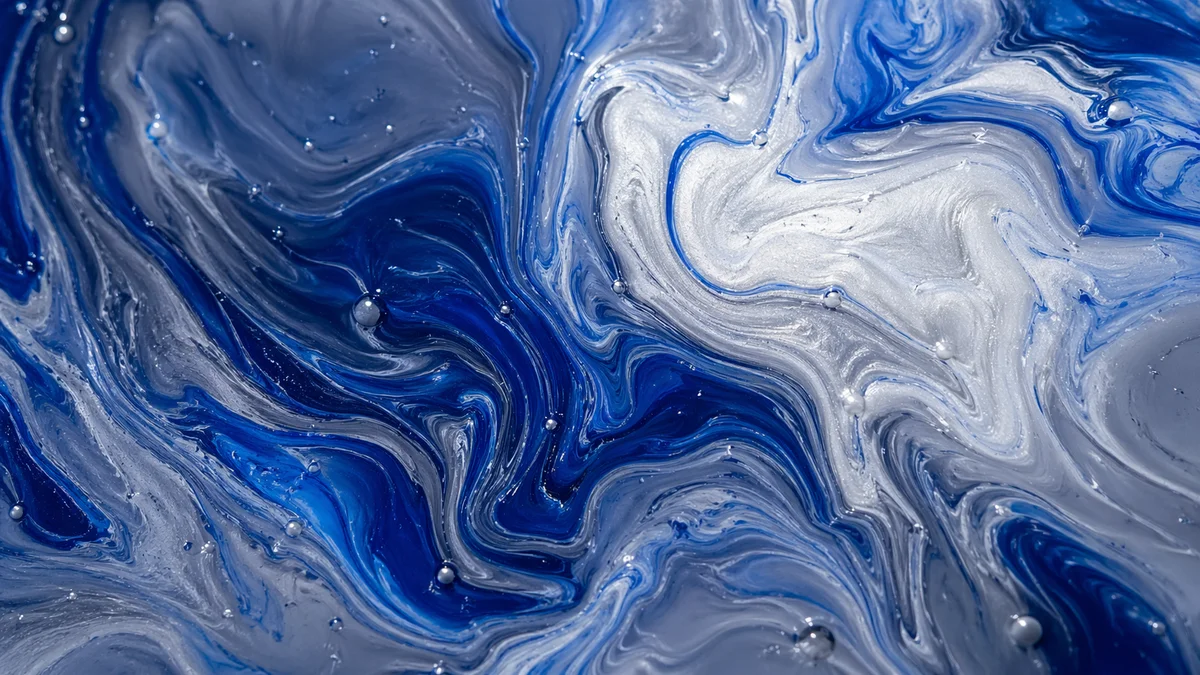
Fluid art macro
Aspect ratio 16:9Abstract fluid art: swirls of deep cobalt blue and pearl white pigment suspended in a neutral gray medium. Macro shot, high detail, gallery-quality fine art photography.
Tweak it: Pick two contrasting pigment colors; "macro shot" keeps the fine texture.
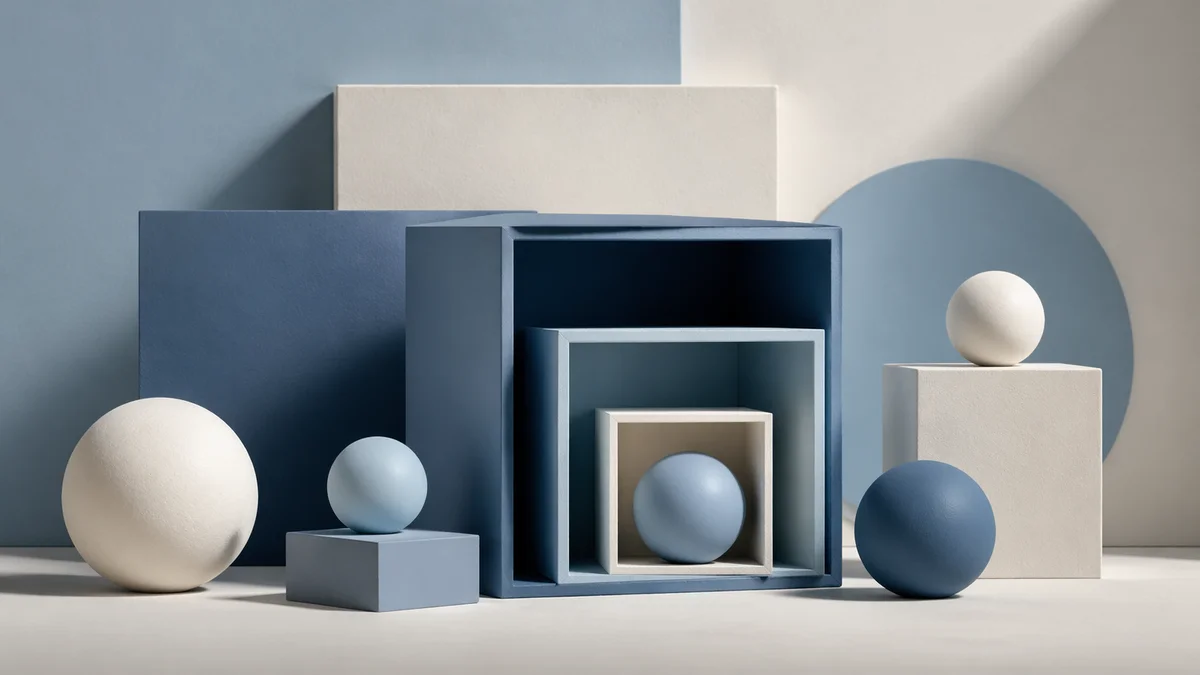
Pastel geometric still life
Aspect ratio 16:9Abstract geometric still life: nested cubes and spheres in matte pastel blues and off-white, soft directional light, editorial magazine style, fine detail.
Tweak it: Change the shapes or the pastel palette; soft directional light keeps the shadows gentle.
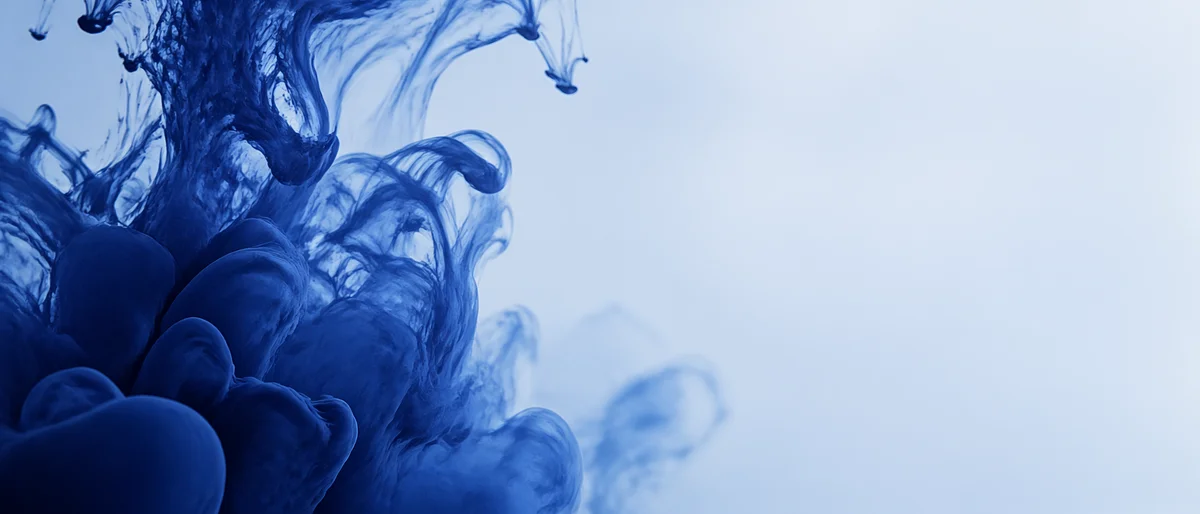
Ink in water banner
Aspect ratio 21:9Wide cinematic hero image: abstract macro photograph of flowing indigo ink dispersing through clear water. Generous negative space on the right for overlaid text.
Tweak it: Keep "negative space on the right" when you need room for a headline.
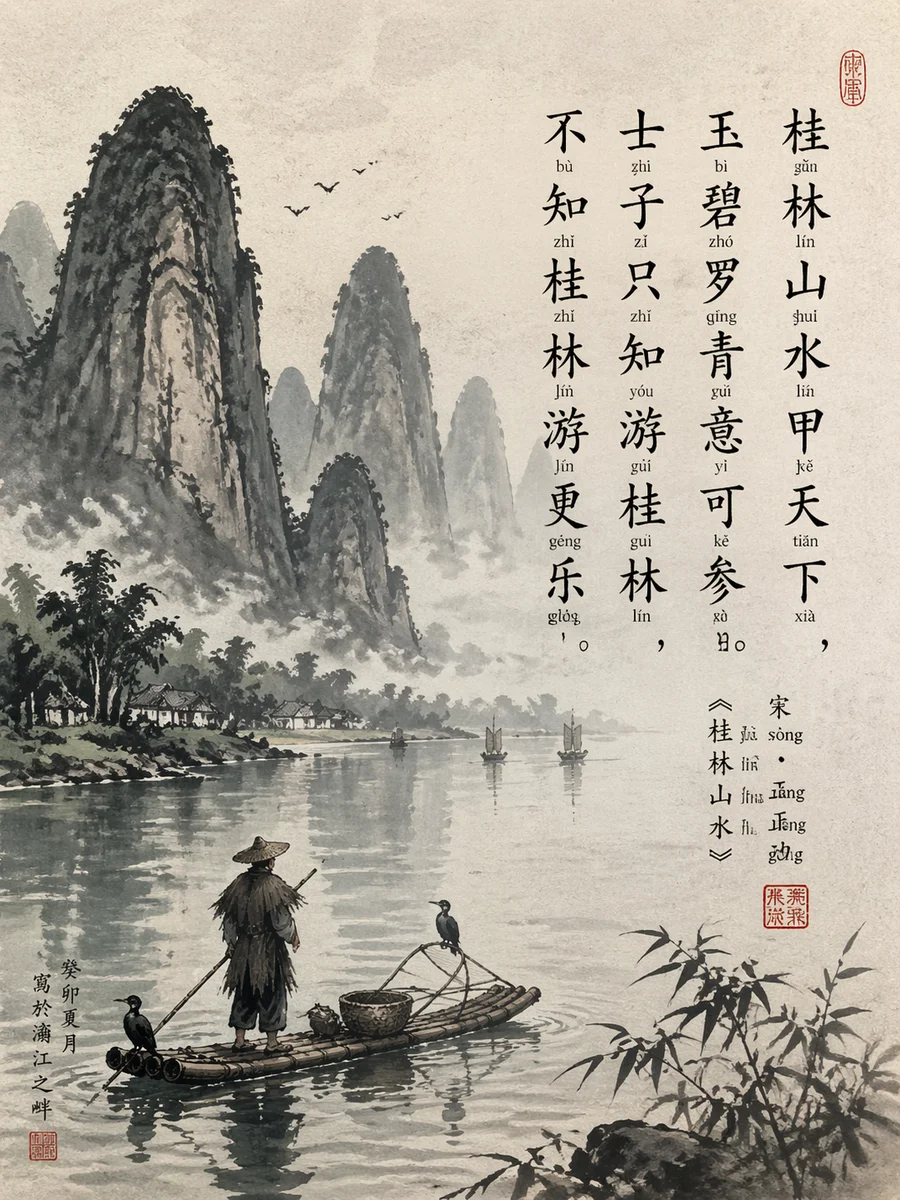
Ink-wash poem illustration
Aspect ratio 3:4A traditional Chinese ink-wash (shuǐmò) painting illustration of the poem "桂林山水甲天下" — misty karst mountains rising from the Li River, a fisherman on a bamboo raft in the foreground. Render the full poem in beautiful calligraphy with pinyin annotation below each character, laid out in vertical columns on the right side. Classic Song Dynasty aesthetic, muted grey-black ink tones with subtle color, paper texture.
Tweak it: Use your own short text and keep the layout instruction (vertical columns on the right) so the words land where you want. Check every character in the result.
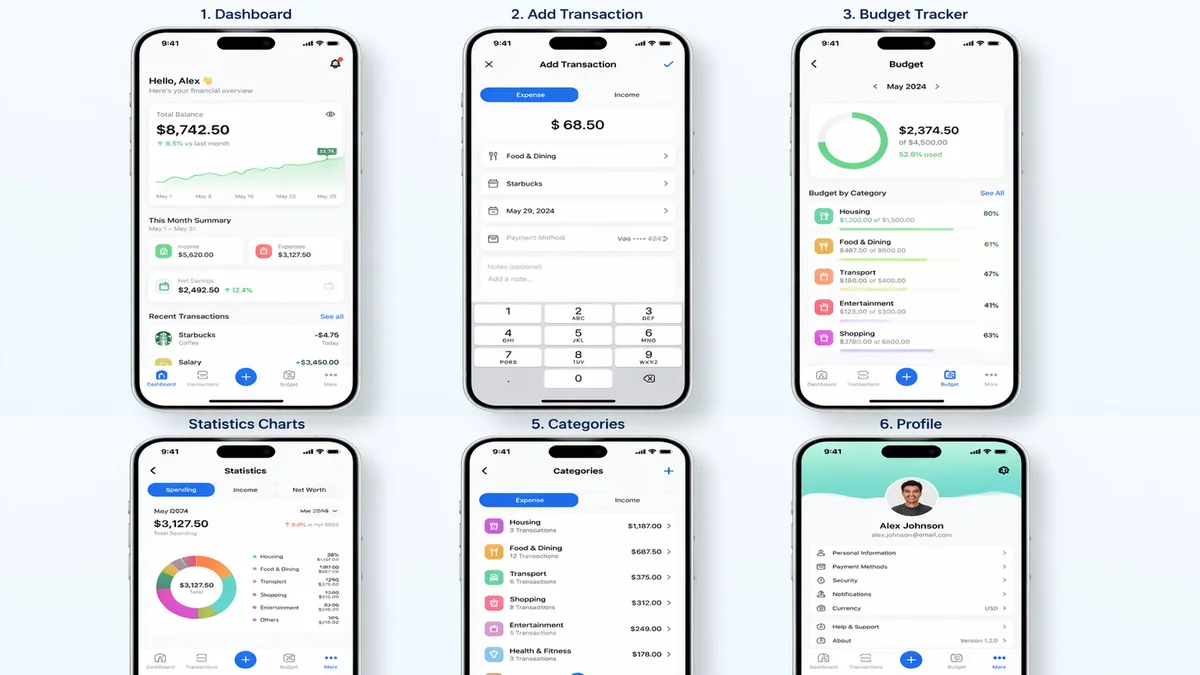
App UI mockup grid
Aspect ratio 16:9High-fidelity mobile app design for a personal accounting app: show 6 main screens in a neat grid — Dashboard with spend summary, Add Transaction, Budget Tracker, Statistics Charts, Categories, and Profile. Clean minimal UI, soft blue-green palette, realistic iOS 17 style, perfect typography, subtle shadows.
Tweak it: Name each screen you need; listing them keeps the grid organized. Check small UI text before you use it.
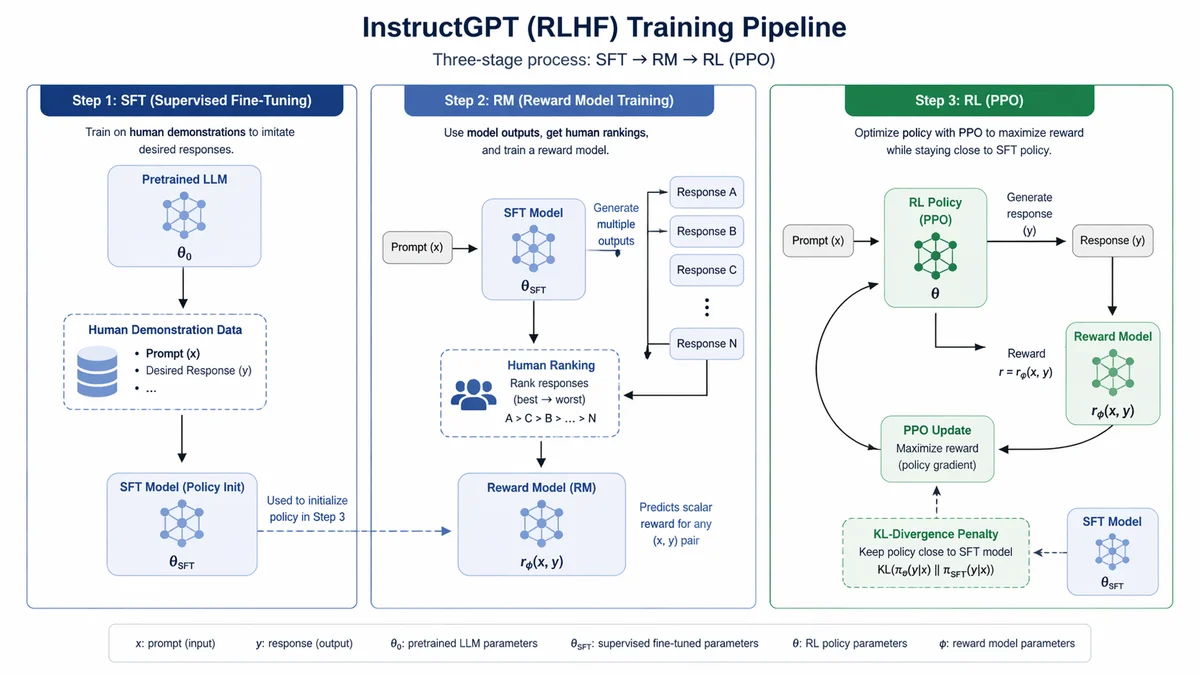
Technical pipeline diagram
Aspect ratio 16:9Clean technical architecture diagram explaining the InstructGPT paper (RLHF training pipeline) in three parallel stages labeled "Step 1: SFT (Supervised Fine-Tuning)", "Step 2: RM (Reward Model Training)", and "Step 3: RL (PPO)". Step 1 shows a pretrained LLM + human demonstration data → SFT model. Step 2 shows SFT model generating multiple outputs → human ranking → reward model. Step 3 shows RL policy interacting with reward model in a loop, with KL-divergence penalty against SFT model noted. Minimal flat design, arrows, labeled boxes, academic white background, dark blue/green accent colors, professional technical illustration style.
Tweak it: Put every label in quotes and describe the flow step by step; small diagram text still needs proofreading.
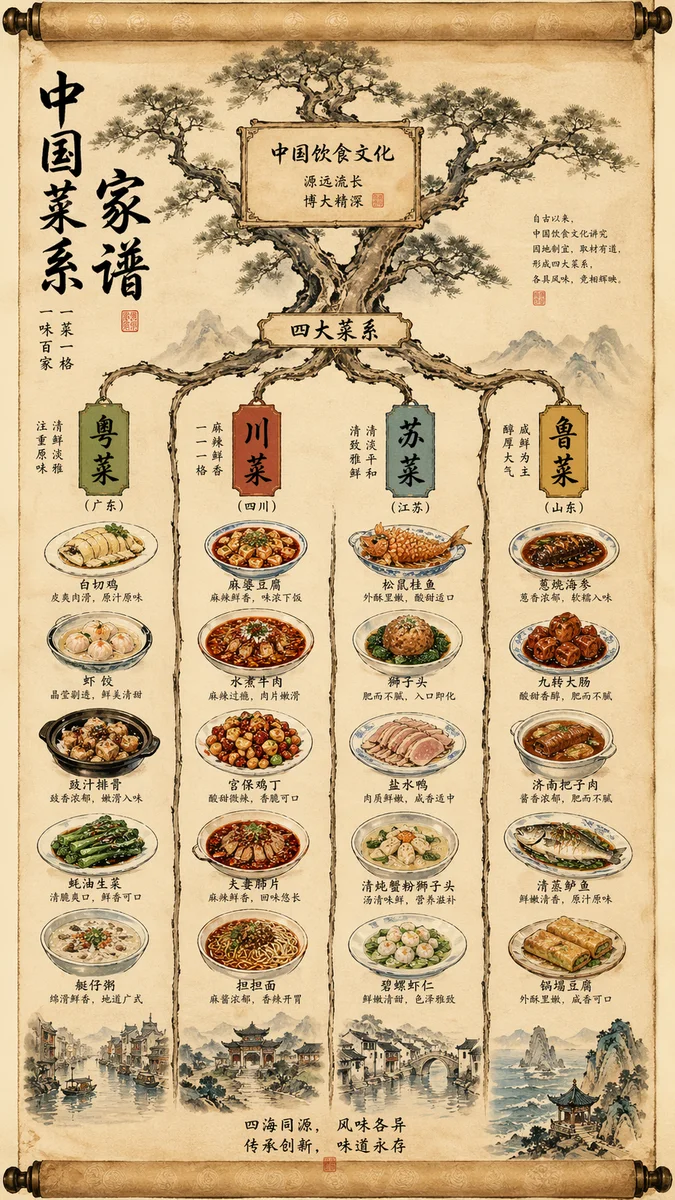
Illustrated infographic scroll
Aspect ratio 9:16A tall vertical illustrated "Chinese cuisine family tree" laid out like a genealogy scroll: four great traditions (Cantonese, Sichuan, Jiangsu, Shandong) as branches, each with signature dishes rendered in delicate hand-drawn style, Chinese calligraphy labels, beige parchment background, traditional scroll aesthetic, watercolor plus ink line art, educational but beautiful.
Tweak it: Swap the topic, for example coffee origins or dog breeds, and keep the scroll layout and labeled branches.
How to Write a Good ChatGPT Image Prompt
Strong prompts read like a short brief, not a pile of keywords. OpenAI's image prompting guide recommends starting with the result you want: the subject, what the image is for, the composition and the aspect ratio. Then add the details that change the look:
- Subject: who or what is in the picture, with the details that matter, such as material, color, age or number.
- Setting: where it is and what surrounds it.
- Style or medium: photo, 3D render, watercolor, flat vector, anime. Say "photorealistic" if you want realism.
- Lighting: soft window light, golden hour, studio softbox, neon at night.
- Composition: close-up, overhead, wide shot, centered, camera angle.
- Text and aspect ratio: exact words in quotation marks, and a ratio such as 1:1, 3:4 or 16:9.
Here is the difference in practice. A weak prompt says "a nice photo of a coffee mug". A stronger one says "Minimal product photography: a premium matte-black ceramic coffee mug on a softly lit concrete surface, shallow depth of field, editorial style, neutral cool lighting. High detail." That second prompt is the one behind the mug example above.
For the full method, with a step-by-step workflow and more examples, read the GPT Image 2 prompt guide.
ChatGPT Image Prompt Templates You Can Fill In
Replace the words in square brackets and keep the structure. Each template follows the formula above.
| Use case | Template |
|---|---|
| Portrait | A [age] [person description] wearing [outfit] in [setting], [lighting], [framing and lens], [mood]. Aspect ratio [ratio]. |
| Product shot | [Product] in [material and color] on [surface], [background], studio softbox lighting, [camera angle], no text, no logo. Aspect ratio 1:1. |
| Logo | Flat vector logo for a [type of business] called "[Name]": [one simple symbol], two colors only, white background, centered, no extra text. |
| Poster | [Style] poster for "[Event name]": [main visual]. Title "[Title]" at the top in [lettering style], date "[Date]" at the bottom. Aspect ratio 3:4. |
| Illustration | [Subject] in a [watercolor / flat vector / cel-shaded] style, [color palette], [background], [mood]. |
| Wallpaper or banner | Wide [16:9 / 21:9] image of [scene] at [time of day], [lighting], negative space on the [left / right] for text. |
Prompts for Editing Existing Images
Editing prompts work differently: you upload a photo, then say what to change and what must stay the same. OpenAI's guide also suggests asking for one change at a time and using each result as the input for the next edit. Run these in the image-to-image editor after uploading your photo:
Replace the background
Change only the background to [a quiet beach at sunset]. Keep the person, pose, face, clothing and the light on the subject unchanged.
Restyle a photo
Turn this photo into a [soft watercolor illustration]. Keep the composition, the people and their poses.
Enhance quality
Enhance this photo: improve sharpness, clarity and lighting while keeping the composition, colors, faces and every object exactly as they are. Do not add or remove anything.
Remove an object
Remove the [person in the background on the left] and fill the area with the same [wall and floor]. Change nothing else.
For more fixes like these, see the image enhancer prompts. If you only need sharper detail with no prompt, enhance image quality in one click, and if you are cutting out a subject, read can ChatGPT remove a background?.
Fixing Common ChatGPT Image Prompt Problems
When a result misses, change one thing and run it again. These fixes follow OpenAI's prompting guide and our own prompt guide:
- Misspelled or garbled text: put the exact words in quotation marks, say where they go and what lettering to use, keep the text short and add "no extra text". Spell unusual words letter by letter, and check the result before you use it.
- Generic-looking images: name materials, colors, lighting and the medium instead of words like "beautiful" or "high quality".
- Wrong framing: state the aspect ratio in the prompt rather than cropping later, which can cut off the subject. To change only the file size afterwards, resize your image.
- Clashing styles: pick one style. "Photorealistic watercolor anime" pulls the model in three directions.
- Edits that drift: repeat what must stay the same in every edit prompt and change one detail per pass.
Use These Prompts in ChatGPT or on This Site
Every prompt here is plain text, so it works in a ChatGPT conversation that can create images; OpenAI's Images in ChatGPT help article explains what your plan includes.
On this site, the Try button opens the GPT Image 2 text-to-image tool with the prompt already filled in. An image with GPT Image 2 uses 10 credits at standard quality, and new accounts get 50 free credits. You can also pick another model from the menu, though the same words can look different on a different model.
ChatGPT Images is an independent service and is not affiliated with or endorsed by OpenAI.
ChatGPT Image Prompts FAQ
What are the best ChatGPT image prompts?
The best ones are specific. They name the subject, setting, style, lighting, composition and aspect ratio in plain sentences. Start from an example or template on this page, replace the details, and change one thing at a time until the image looks right.
How do I write a prompt for ChatGPT to generate an image?
Describe the subject first, then the setting, style, lighting, framing and aspect ratio. For example: "A golden retriever on a gradient blue backdrop, studio portrait, soft rim light, shallow depth of field, 16:9." Read the GPT Image 2 prompt guide for the full method.
Can I use these prompts outside ChatGPT?
Yes. They are plain-text prompts, so you can paste them into ChatGPT or run them here with GPT Image 2 using the Try button. Other image models may interpret the same words differently.
How do I get correct text in an AI image?
Put the exact words in quotation marks, say where they go and what lettering style to use, keep the text short, and check the spelling in the result. OpenAI's prompting guide also suggests spelling unusual words letter by letter.
Can I edit an existing photo with a prompt?
Yes. Upload the photo to the image-to-image editor, say what to change and what to keep, and change one thing per pass. For a one-click quality boost without a prompt, use the AI image enhancer.
Related Tools and Guides
Write your own prompt
Start from a template, describe what you want, and generate it with GPT Image 2.
Open the generator